Truck GPS & Navigation Guide: Best Systems and Route Planning Tips
A consumer GPS will route you under a 12-foot bridge. A cheap truck app will send you down a restricted road. The wrong turn with 80,000 lbs can mean a bridge strike, a stuck truck, or an accident claim that follows you for years. This guide covers what truck drivers actually need for navigation — the right equipment, the right settings, and the route planning habits that prevent expensive mistakes.
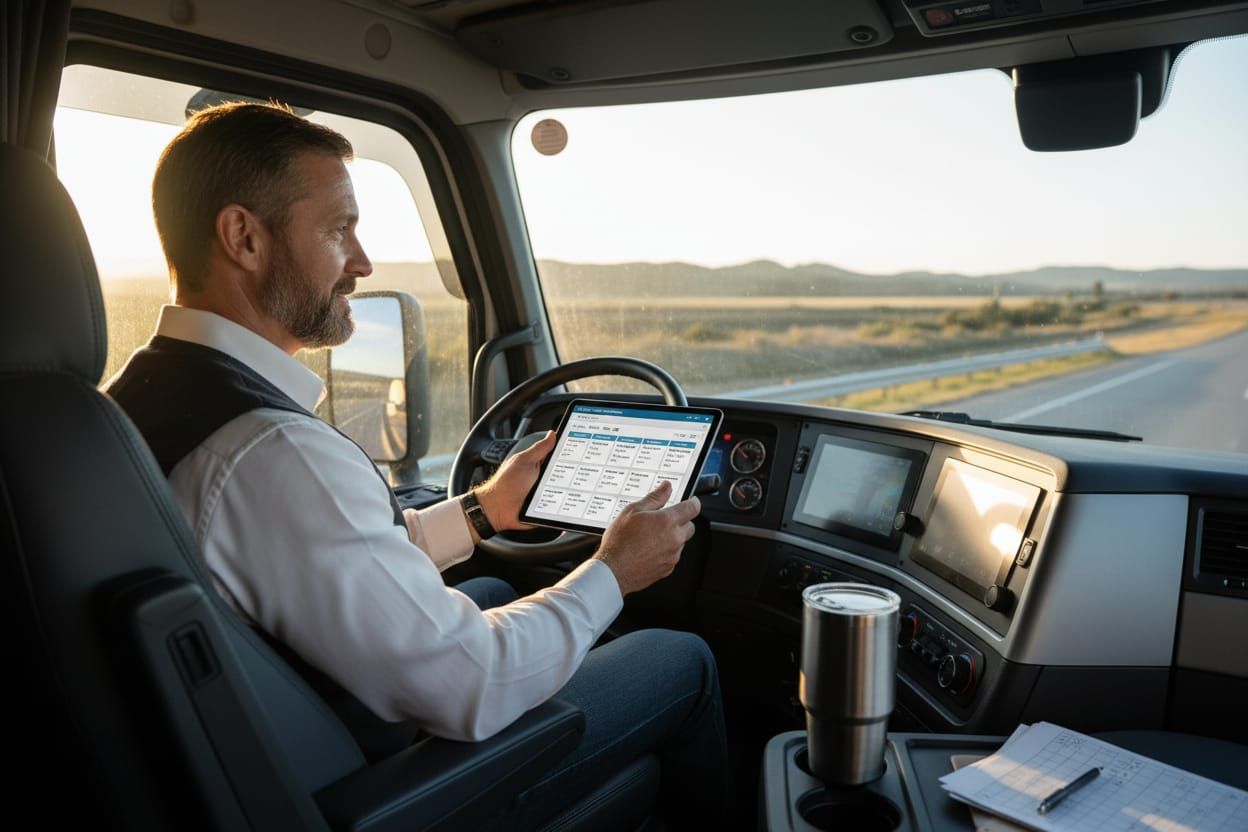
Why Consumer GPS Won't Work
Standard GPS (Google Maps, Apple Maps, Waze) doesn't account for:
Low bridges, overpasses, tunnels. Average truck height is 13'6" — thousands of bridges are lower.
Bridges, roads, and posted limits that can't handle 80,000 lbs. Fines up to $10,000+ per violation.
Parkways, residential zones, and roads where commercial vehicles are prohibited.
Tight turns, narrow roads, steep grades that are fine for cars but impossible for 53-foot trailers.
Truck GPS Systems Compared
These are dedicated truck GPS units designed for commercial vehicles. They account for height, weight, length, and hazmat restrictions.
| Feature | Garmin dezl | Rand McNally TND | Truck GPS Apps |
|---|---|---|---|
| Vehicle profile | Height, weight, length, width, HazMat | Height, weight, length, width, HazMat | Varies by app |
| Bridge data | Comprehensive US/Canada | Comprehensive US/Canada | Growing but gaps exist |
| Truck stop data | Built-in with parking | Built-in with TruckDown | App-dependent |
| ELD integration | Limited | Strong (own ELD line) | Some integrate with ELDs |
| Map updates | Lifetime (Wi-Fi) | Subscription-based | Automatic (cellular) |
| Offline use | Full offline | Full offline | Limited/none |
| Price range | $300-$500 | $400-$800 | $0-$30/month |
| Best for | Most drivers | Tech-forward fleets | Budget-conscious |
Setting Up Your Vehicle Profile
Your GPS is only as good as the vehicle data you enter. Get these measurements right:
Include exhaust stacks, air deflectors, AC units. Add 6 inches for safety margin. Standard: 13'6"
Update per load if hauling near max. Standard GVW: 80,000 lbs. Overweight fines add up fast.
Tractor + trailer. Standard 53' trailer = ~72' total. Affects turn routing and restricted road avoidance.
Standard 102" trailer width + mirrors. Important for narrow roads and construction zones.
Some roads restrict by axle count. Typical 5-axle combo (3 tractor + 2 trailer).
Routes through tunnels, over certain bridges, and near water supplies are restricted. See HazMat guide.
Route Planning Best Practices
Good drivers don't just follow GPS — they plan routes before rolling.
Review the full route on your GPS, identify potential trouble spots (low bridges, tight turns, construction), and have an alternate route ready. Never "figure it out" while driving.
For unfamiliar pickup/delivery locations, use satellite view to check approach roads, dock orientation, and turnaround space before arrival.
GPS data lags behind real-world construction. Check state DOT websites and trucker forums for current closures before long runs.
Plan fuel stops in advance, especially in rural areas. Running low forces bad routing decisions.
Truck parking fills up by early evening. Know where you're stopping and have 2-3 backup options.
GPS doesn't know about weather conditions. Check forecasts for mountain passes, ice-prone areas, and fog zones along your route.
If a sign says "No Trucks" and your GPS says "Turn right," follow the sign. Report the GPS error to the manufacturer. Your eyes override electronics.
7 Navigation Mistakes That Cause Claims
These are the navigation errors that lead to insurance claims, CSA points, and out-of-pocket costs:
Google Maps doesn't know your truck is 13'6". One bridge strike can cost more than a decade of truck GPS subscriptions.
Signs always override GPS. If there's a conflict, stop, reassess, and find an alternate route.
Switching from a dry van to a flatbed or reefer changes your height and weight. Update your GPS every time.
Damages to property, utility lines, and mailboxes add up. Plus fines for commercial vehicle in restricted zones.
Getting stuck in a dead-end or having to back out of a tight street causes property damage and delays.
Cell dead zones in rural areas. If your app-based GPS loses signal, you're navigating blind.
New construction, changed restrictions, and closed roads. Run updates monthly at minimum.
How Navigation Affects Your Insurance
Good navigation habits directly impact your insurance costs:
Good Navigation = Lower Risk
- Fewer bridge strikes and property damage claims
- Better route planning = fewer accidents
- Clean CSA record from avoiding violations
- Dash cam + GPS data proves you followed legal routes
Bad Navigation = Higher Costs
- Bridge strike claims: $30K-$100K+ each
- Property damage in restricted zones
- Overweight/oversize tickets on wrong roads
- Pattern of preventable claims = non-renewal risk
Frequently Asked Questions
Can I use my phone as a truck GPS?
Only with a dedicated truck navigation app that supports vehicle profiles (height, weight, length). Standard Google Maps or Apple Maps do NOT account for truck restrictions. Even with a truck app, have a backup plan for areas without cell service.
How often should I update my truck GPS maps?
Monthly if possible, quarterly at minimum. Road construction, new restrictions, and bridge height changes happen constantly. Many GPS units update over Wi-Fi — connect at truck stops or home to stay current.
Does my insurance cover bridge strike damage?
Your physical damage coverage covers your truck. Your liability coverage covers the bridge. But you'll pay the deductible, your rates will increase, and your CSA scores will take a hit. Using consumer GPS may be viewed as negligence in a claim investigation.
Should I mount the GPS on the windshield or dashboard?
Dashboard mount is safer — it keeps your line of sight clear and reduces distraction. Many states have laws against windshield-mounted devices. Place it where you can glance at it without looking away from the road for more than 2 seconds.